

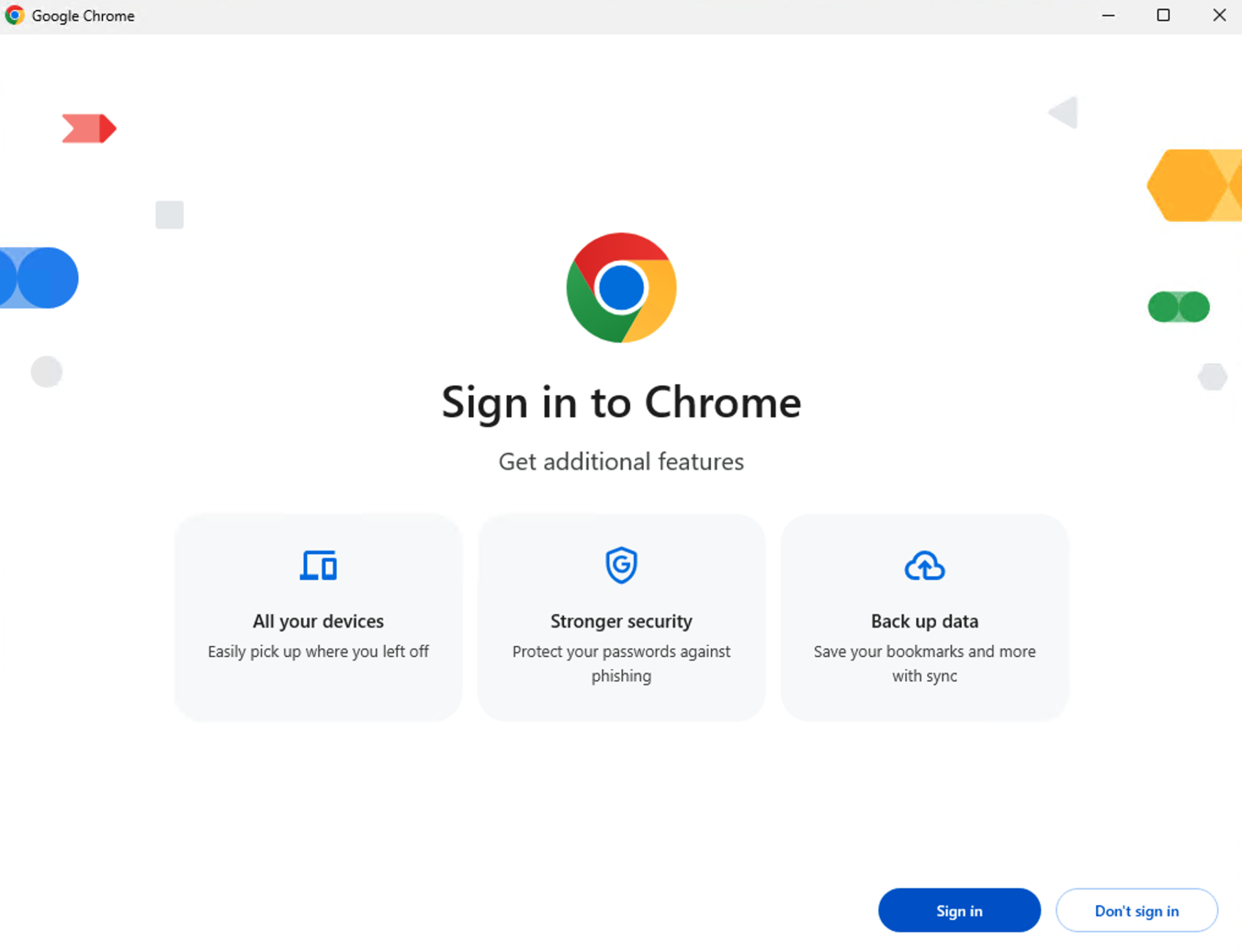
You just received a new computer and you are on the way to fire up your favorite browser. What is the first thing you see? This little question and process exposes a major security risk for many small and mid-sized businesses. Who do you sign in as? Why is this important? Read on…
The web browser is your primary gateway to the internet, your work, and your personal life. Most of us don’t give it a second thought, but for businesses and individuals alike, an unmanaged web browser is a critical security risk waiting to be exploited.
In fact, the issue is here now: 900K Users Compromised: Chrome Extensions Steal ChatGPT and DeepSeek Conversations.
This isn’t just about avoiding shady websites; it’s about fundamental cybersecurity hygiene. Let’s break down why letting browsers run wild is such a risk and what you can do about it.
1. Outdated Browsers: An Open Invitation to Attackers
Think of your browser’s security updates like vital patches for a leaky roof. If you don’t install them, vulnerabilities pile up, creating easy entry points for attackers. In this case, simply clicking a link can be an end-game scenario.
- The Risk: Unmanaged browsers often fall behind on updates. Each update isn’t just about new features; it’s critical bug fixes and security patches that block known exploits. An outdated browser is like a house with unlocked doors and windows – attackers know exactly where to get in. They can inject malware, steal data, or hijack your browsing session.
- The Solution: Managed browsers (often through corporate IT or even your personal discipline) are configured to update automatically and frequently, ensuring you’re always running the most secure version.
2. The Peril of Personal Account Sign-Ins: Mixing Business with Pleasure (and Risk)
This is perhaps one of the most common and dangerous practices we see in corporate environments: employees signing into a work browser with their personal Google (or other) accounts.
- The Risk:
- Credential Leakage: Your browser syncs everything – work passwords, personal banking logins, social media accounts. If your personal account is compromised (say, through a phishing attack on your home email), an attacker suddenly has access to all your synced work credentials, bypassing corporate security.
- Data Exposure: Your entire personal browsing history, bookmarks, and private data now reside on a company-owned device, making it subject to potential monitoring, legal discovery, or forensic analysis by your employer.
- Loss of Control: Corporate IT loses visibility and control over critical security aspects when a browser is tied to a personal account, which means they can’t enforce security policies.
- The Solution: Businesses must enforce strict policies: use dedicated, un-signed-in work profiles for all business activities and direct employees to Guest Mode for any permissible personal browsing on company devices. This strict separation is vital. Alternatives exist, however a common approach should be taken to ensure the above risks are mitigated.
3. Wild West of Plug-ins and Extensions: Hidden Threats
Browser extensions can be incredibly useful, but without proper management, they are a significant security liability.
- The Risk: Many extensions, even seemingly benign ones, can:
- Collect Data: Track your browsing history, capture keystrokes, or access sensitive information without your explicit knowledge.
- Inject Ads/Malware: Display unwanted ads or secretly install malicious code.
- Create Vulnerabilities: Introduce security flaws that can be exploited by external attackers.
- Unmanaged browsers allow users to install any extension they wish, opening the door to untested or malicious code.
- The Solution: Managed browsers can restrict extension installations to a pre-approved whitelist, preventing risky additions and ensuring that only trusted tools are used.
4. Lack of Centralized Control: Flying Blind
Without a management framework, businesses have no oversight or control over how browsers are configured and used across their organization.
- The Risk:
- Inconsistent Security: Some employees might have secure settings, others might be completely exposed.
- Policy Gaps: Without centralized management, it’s impossible to enforce crucial security policies, like blocking access to known malicious sites or restricting sensitive data handling.
- Slow Response: In the event of a new browser vulnerability, IT cannot quickly push out a universal fix or configuration change.
- The Solution: Tools like Google Chrome Browser Cloud Management or Group Policy Objects allow IT administrators to centrally define, deploy, and enforce browser settings, security policies, and extension controls across all company devices.
The Bottom Line: Manage Your Browsers!
An unmanaged web browser isn’t just an inconvenience; it’s a critical security vulnerability that can lead to data breaches, compliance failures, and significant financial and reputational damage.
Whether you’re an individual safeguarding your personal data or a business protecting sensitive corporate information, taking control of your browser’s security through regular updates, strict sign-in policies, careful extension management, and centralized administration is no longer optional – it’s essential.
At Bound Planet, we keep you informed about threats to your business operations and strive to build a culture of security. To learn about how we approach and address risks like these, reach out for a free consultation.